
Hailo.cc
A unified EMS (Event Management System) platform for five teams, designed across desktop and mobile, with Ai driven features that automate and simplify everyday workflows.
I was the sole designer, responsible for designing the product from the ground up: from information architecture and workflows to the final interface. The system is actively used by 120+ employees across the company.
Hailo's internal operations were spread across different tools and manual processes. Each department had its own way of managing information and getting work done.
How can we bring five very different teams into one digital system while keeping their individual workflows intact and the product simple enough to navigate?
Understanding the users
Hailo wasn’t designed for one generic user. Each department had its own responsibilities, workflows, and information needs.
We held meetings with each department to understand how they worked, what they needed, and where their existing processes were creating friction. These conversations helped me identify the differences between teams and find the common structure that could bring them together in one system.
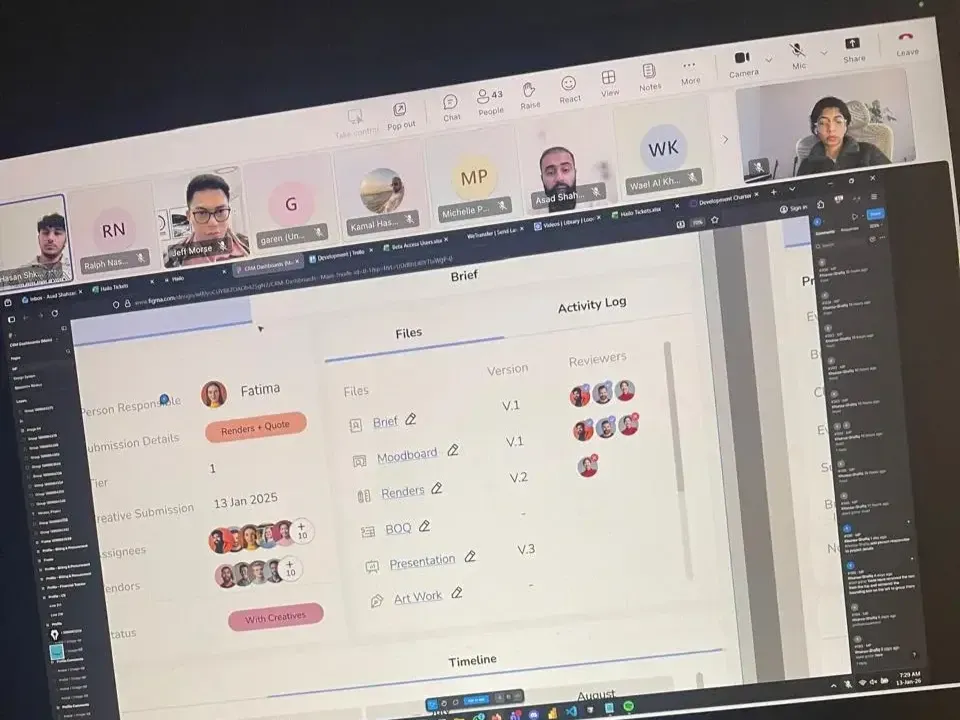
Each department had its own way of working, with different information and processes to manage.
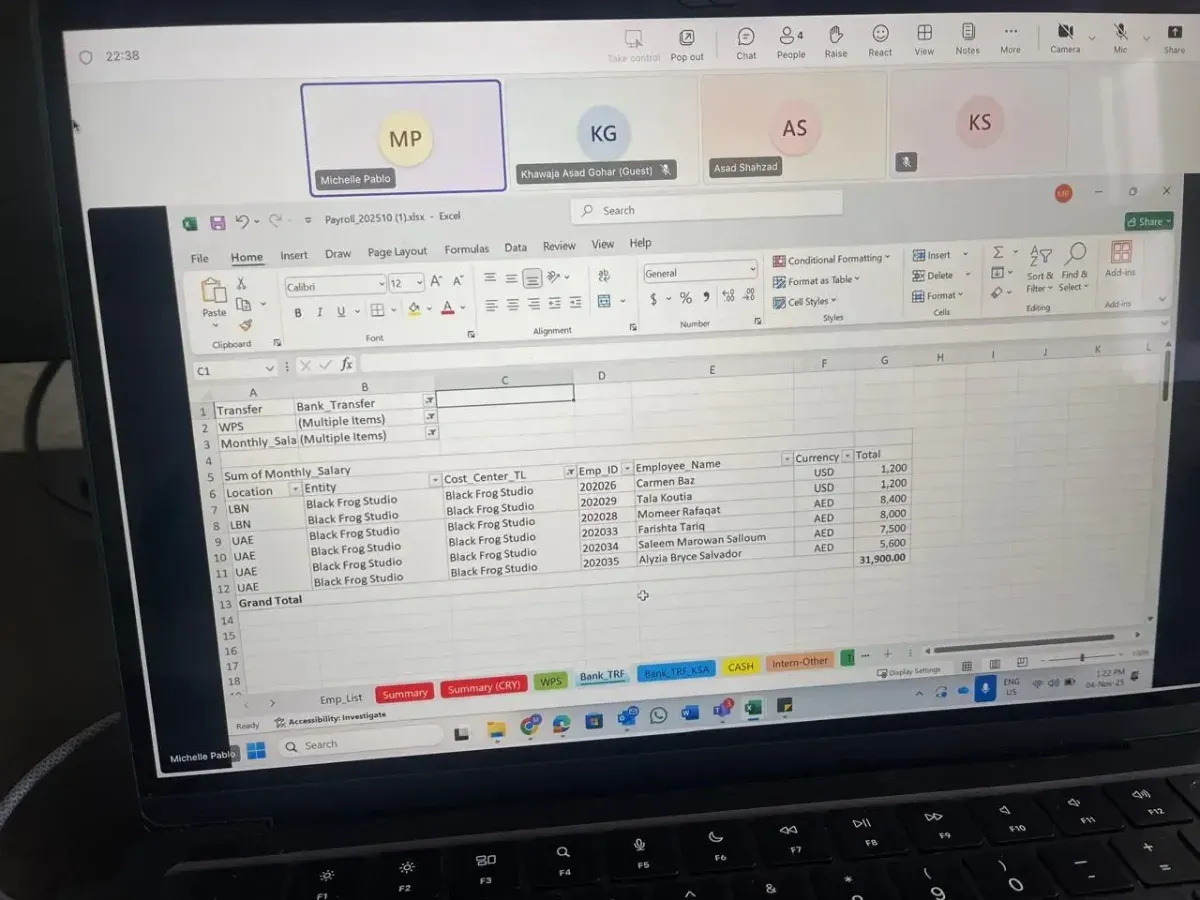
Meetings with each team helped me identify the information and tools they needed most in their day-to-day work.
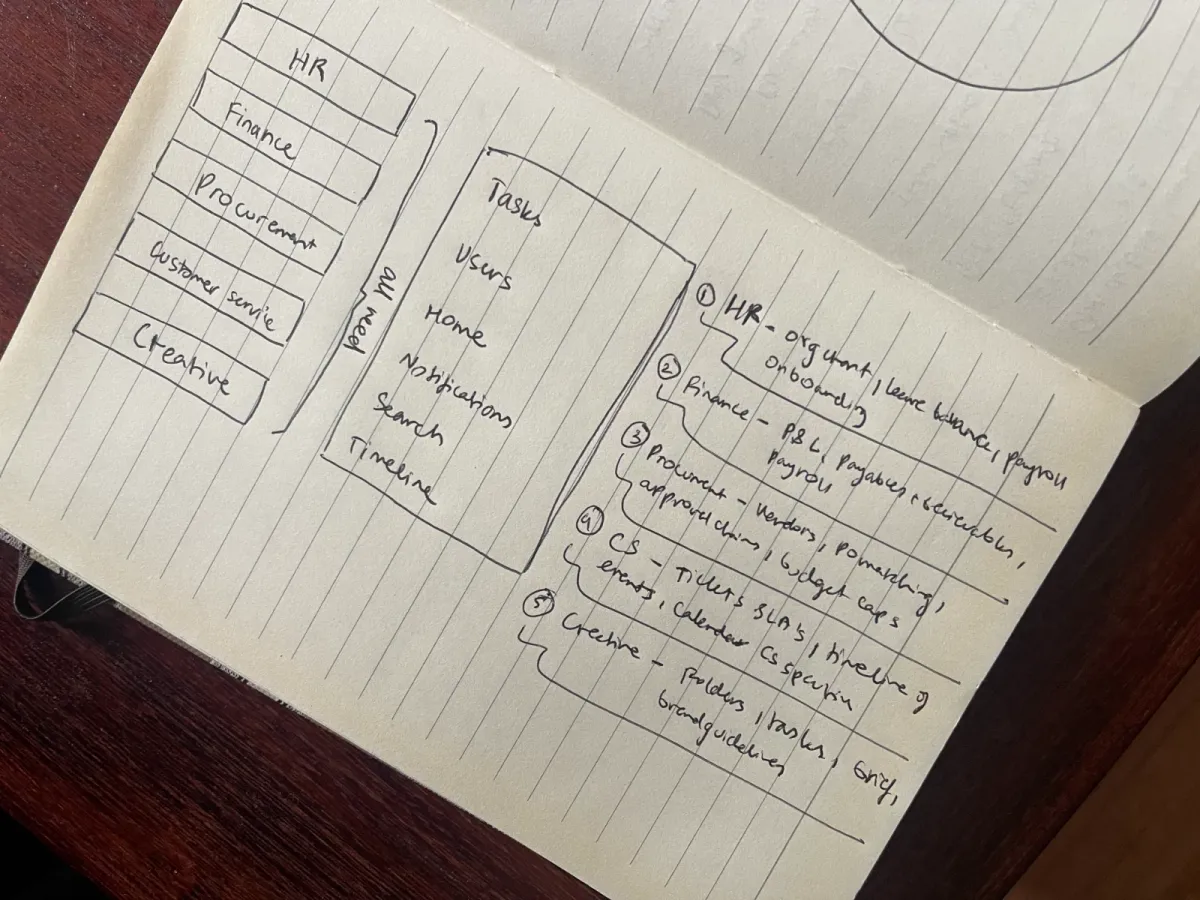
While the teams worked differently, many of their needs could be supported by the same underlying structure.
Product decisions
01 — Turning requirements into a usable structure
With requirements coming from five teams, the first challenge was figuring out where everything should live. I grouped related functions, separated department-specific tools from shared features, and used this structure as the foundation for the product.
02 — Designing a system, not isolated screens
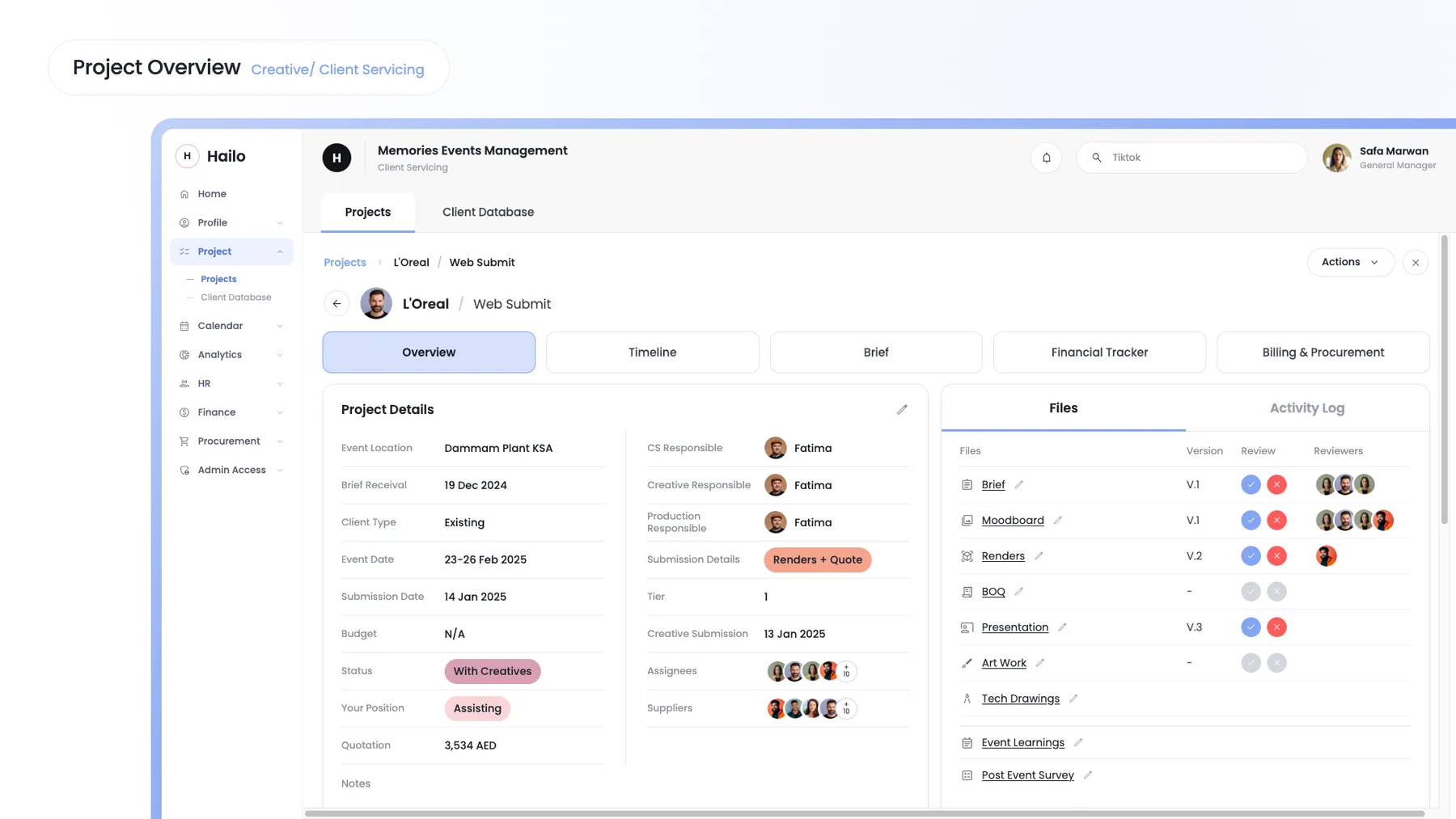
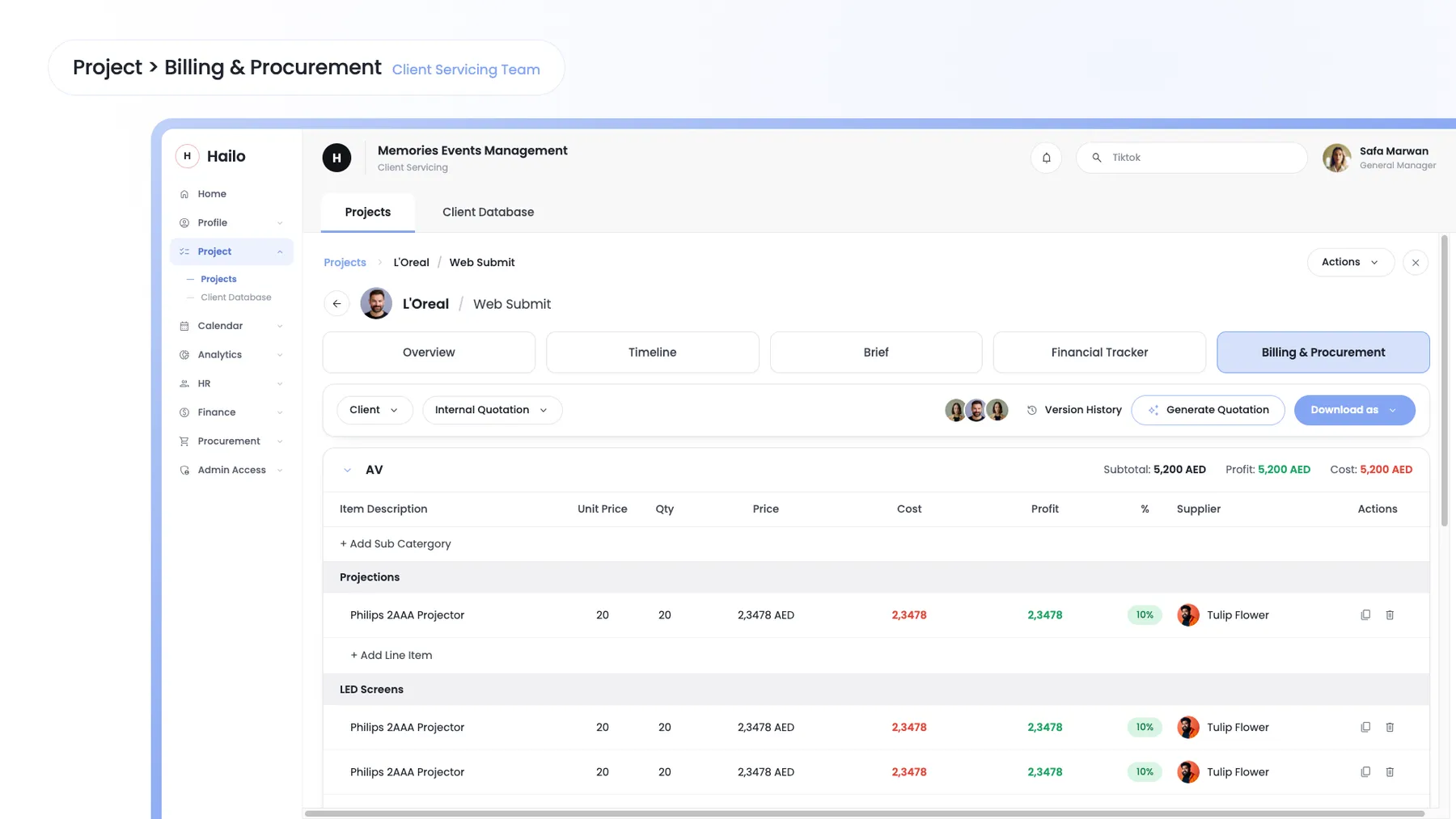
Rather than designing each department's screens independently, I established shared patterns for tables, forms, statuses and navigation. This gave teams familiar interactions even when the information they were working with was completely different.
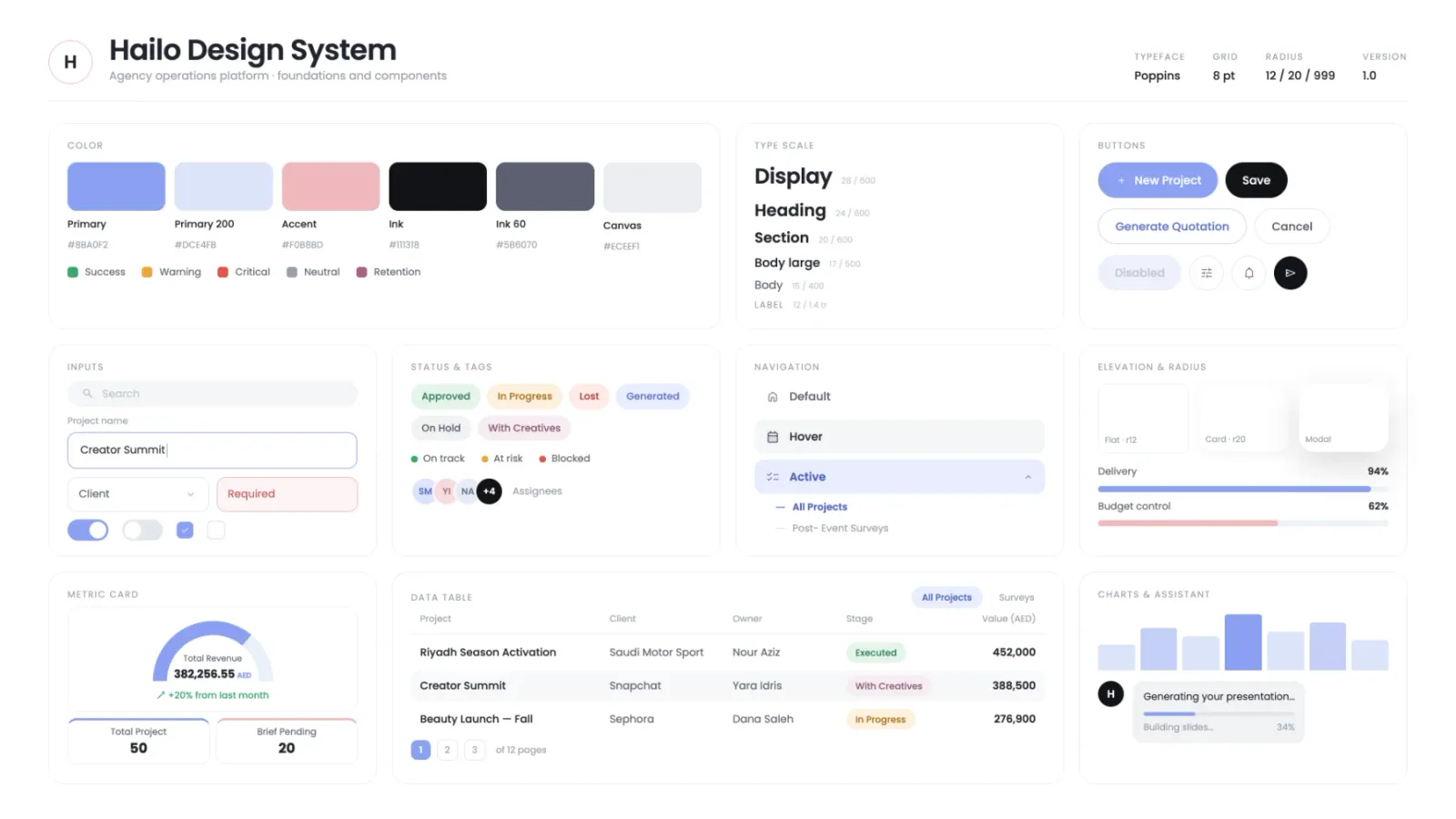
03 — Mapping complex workflows before designing them
Some workflows involved multiple people, approvals and handoffs. Before designing the interface, I mapped each step, decision and dependency to understand what the product needed to support and where the process could be simplified.
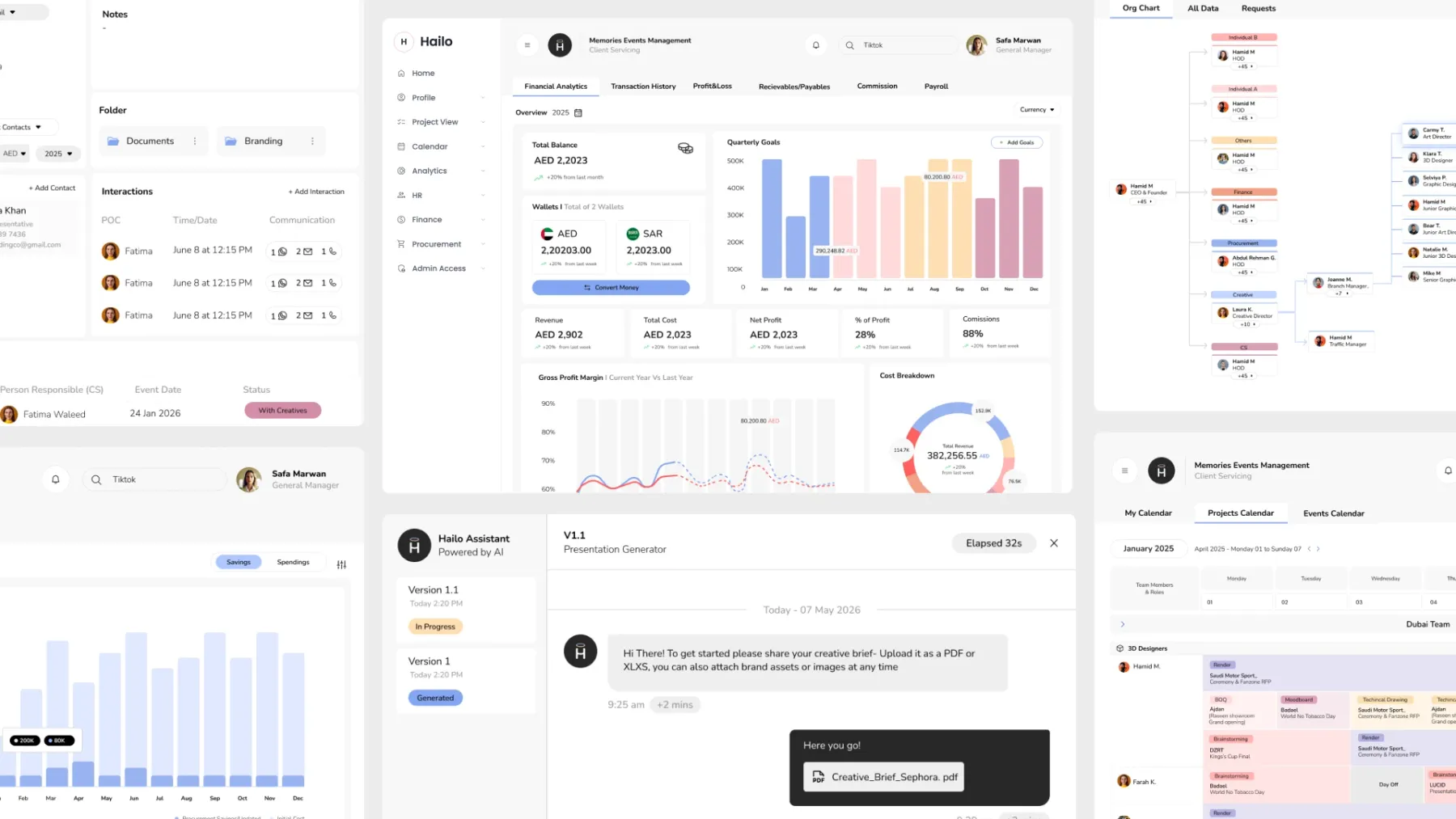
The shipped product
The result was one connected platform that gave five departments a shared digital workspace while allowing each team to work in a way that suited them.
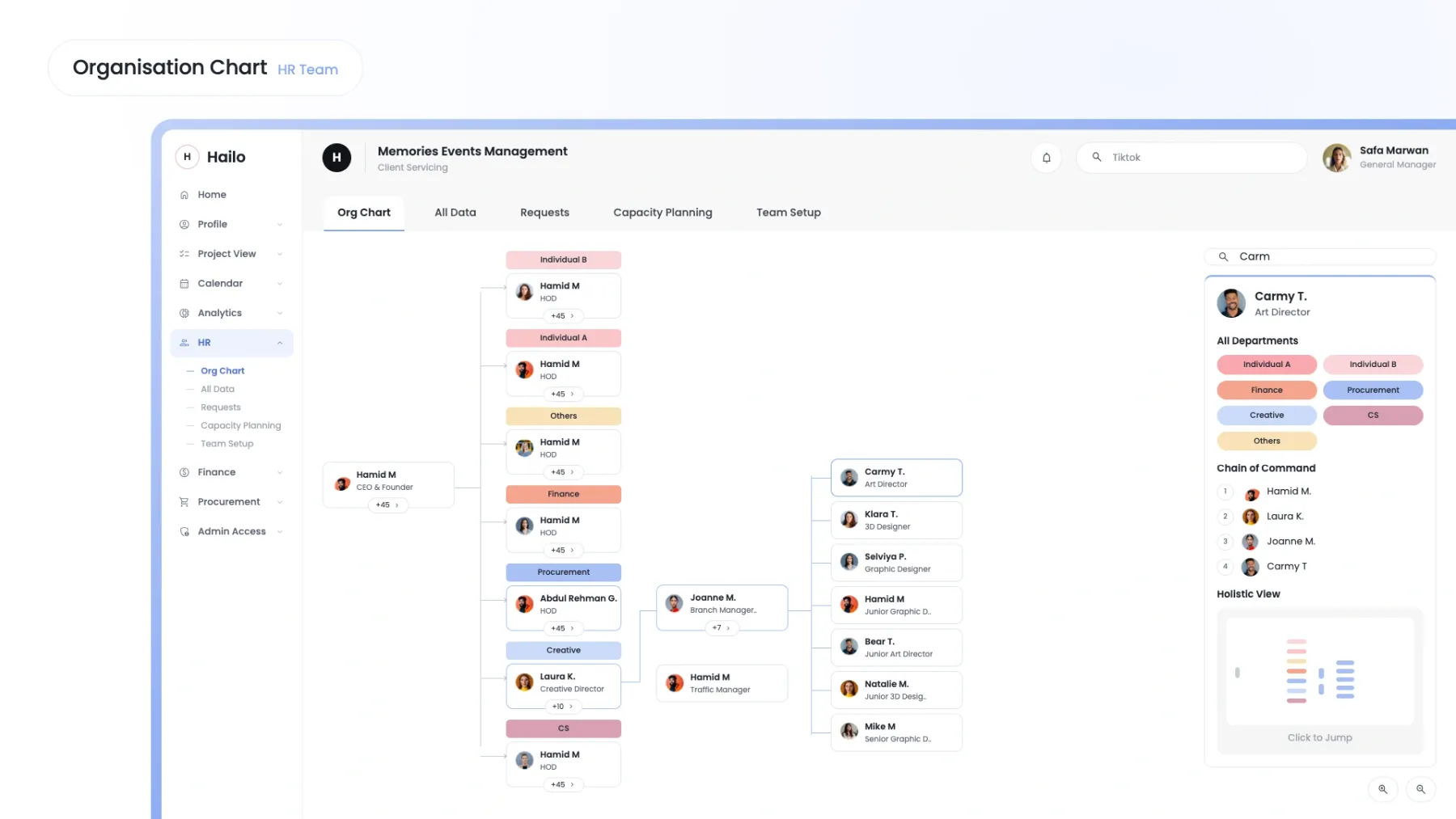
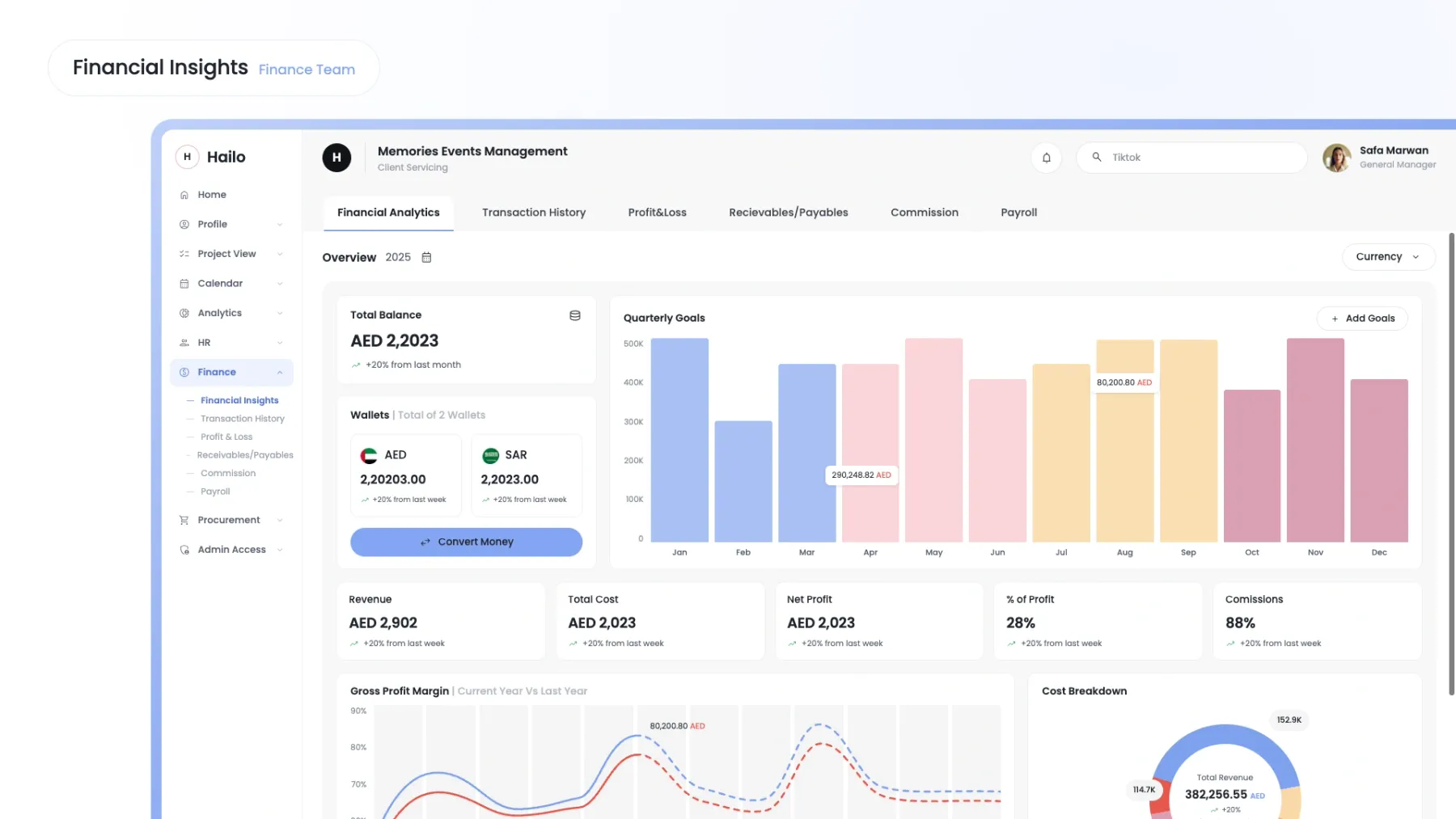
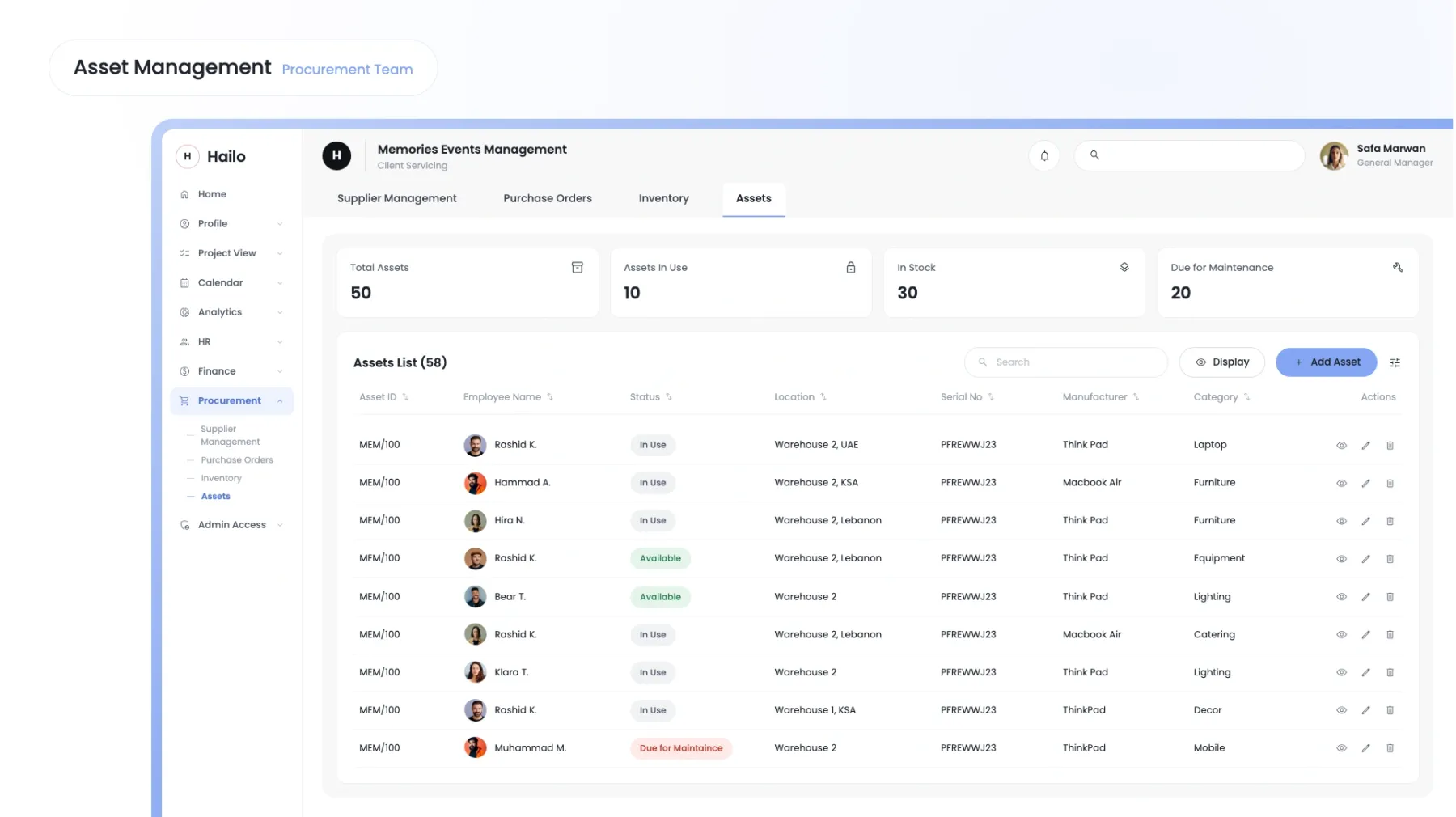
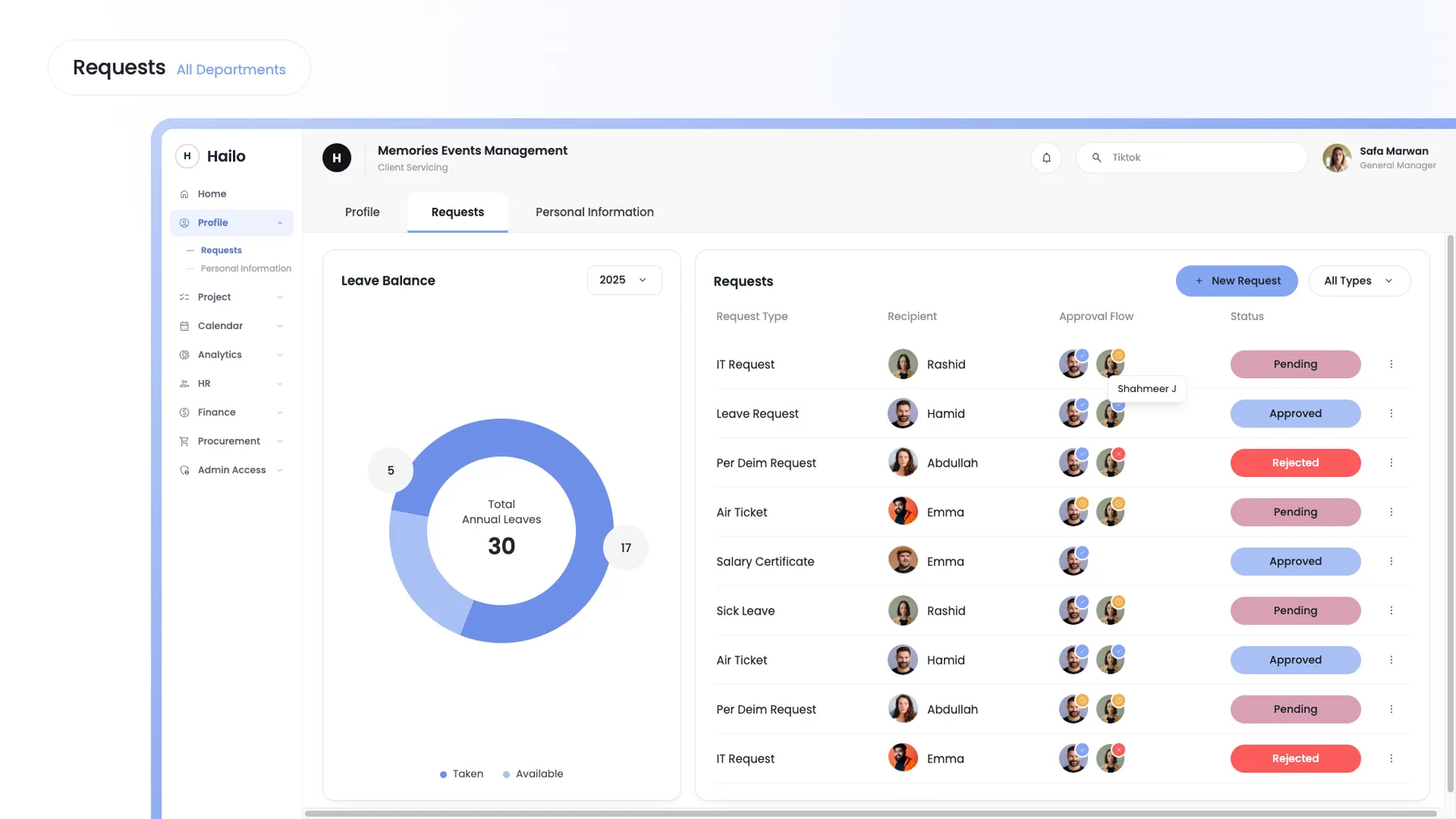
Adding Request Workflow
What I'd carry into the next one
Designing Hailo taught me that designing a complex product isn't about making every feature easier individually. It's about understanding how all the pieces connect and making that complexity feel manageable for the person using it.
As the sole designer, I also had to move constantly between the bigger picture and the smallest interaction — from figuring out how departments should work together to deciding what a single screen needed to communicate.